HOA dues payment tracking should provide one understandable history for every property and homeowner account. When billing schedules, screenshots, receipts, and balances live in separate files, both administrators and residents struggle to confirm what is correct.
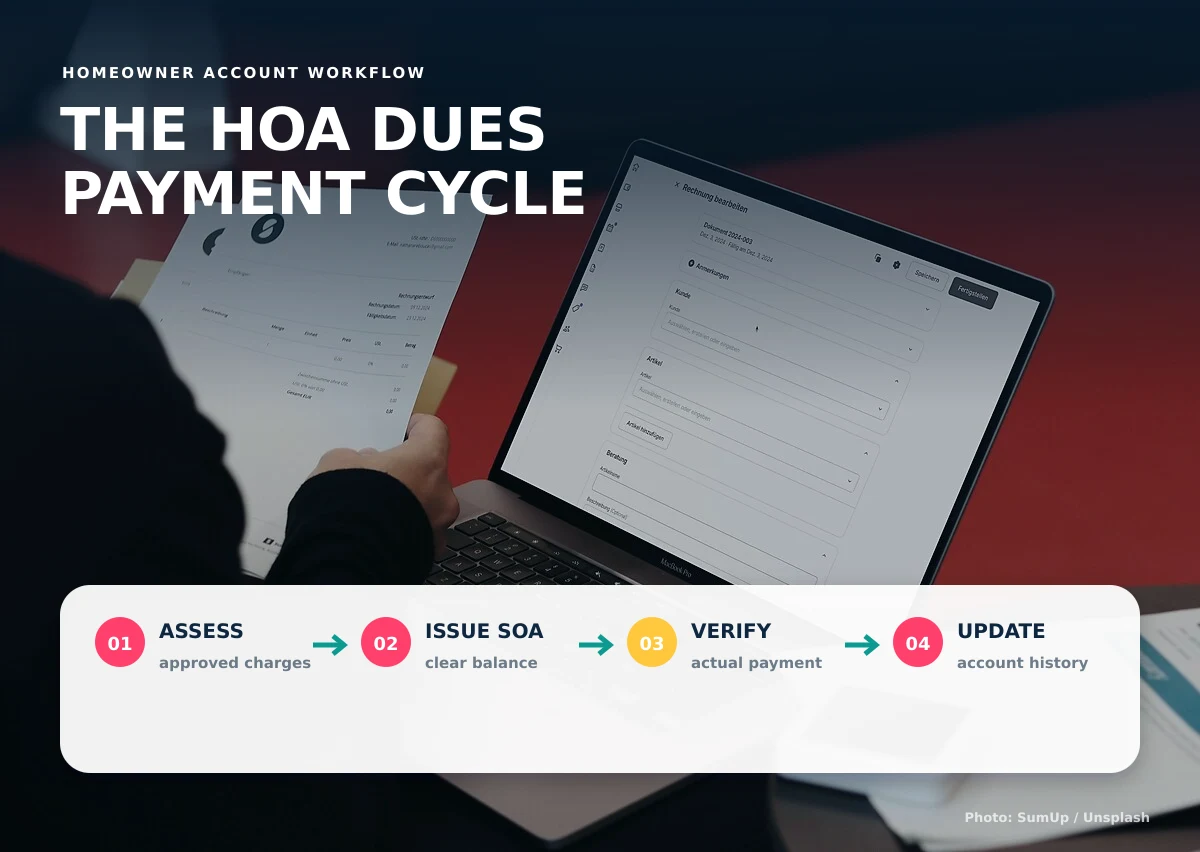
This six-step cycle gives Philippine homeowners associations a practical structure for assessments, statements of account, payment review, balance updates, and reporting.
1. Calculate assessments from approved rules
Begin with the association’s approved schedule, property information, rates, due dates, and any applicable adjustments. Keep the basis of each charge visible so staff can explain how the amount was produced.
2. Issue a clear statement of account
An SOA should identify the property, billing period, current charges, previous balance, recorded payments, adjustments, due date, and total amount due. Generating it from the account history reduces manual copying.
3. Receive payment details without changing the balance
When a homeowner submits payment proof, record the date, amount, method, reference, and attachment. Keep the item in a reported or pending state until an authorized person verifies it.
4. Verify and record the payment
Match the reported details to the association’s actual transaction record. Record who verified it and when. If the information does not match, retain the original submission and request clarification rather than silently editing it.
5. Update the homeowner balance and receipt history
Once verified, apply the payment to the correct account and billing items. The homeowner portal and admin dashboard should display the same confirmed balance while keeping internal review notes private.
6. Report, reconcile, and follow up
Association officers may need collection summaries, outstanding balances, aging information, payment-method totals, and account histories. The system should support governance and recordkeeping requirements without replacing professional accounting or legal advice. Review the association’s governing documents and applicable requirements, including the Magna Carta for Homeowners’ Associations.
What homeowners and administrators should see
| Homeowner portal | Administrator dashboard |
|---|---|
| Own SOA and balance | All authorized accounts |
| Own payment history | Pending verification queue |
| Submit payment proof | Verify, reject, or request details |
| Download notices and records | Prepare summaries and reports |
A dependable process also needs clear handling for exceptions. Decide what happens when a homeowner pays only part of the balance, uses an incorrect reference, submits the same proof twice, pays for several properties, or disputes a charge. The record should preserve what was originally submitted, the administrator’s response, and any approved adjustment. This makes later review far easier than replacing old spreadsheet values.
Before launch, test the cycle using sample accounts with prior balances, advance payments, partial payments, adjustments, and missing information. Compare the opening balance, charges, verified payments, and closing balance for every test case. Give homeowners a simple way to report a possible discrepancy, but restrict actual balance changes to authorized staff. Regular reconciliation should compare the system’s verified totals with the association’s official financial records.
Document who may create charges, verify payments, approve adjustments, and export reports. This separation makes responsibilities clear to officers, administrators, and reviewers.
Causing Designs builds an HOA management system and homeowner portal around an association’s actual billing and service workflow.
For better HOA dues payment tracking, show us how your association currently prepares SOAs and verifies payments.