A payment proof verification workflow protects both the customer and the business by separating two different events: the customer reporting payment and an authorized person confirming the transaction.
Treating every screenshot as verified can release orders too early, apply money to the wrong account, or create difficult reconciliation problems.
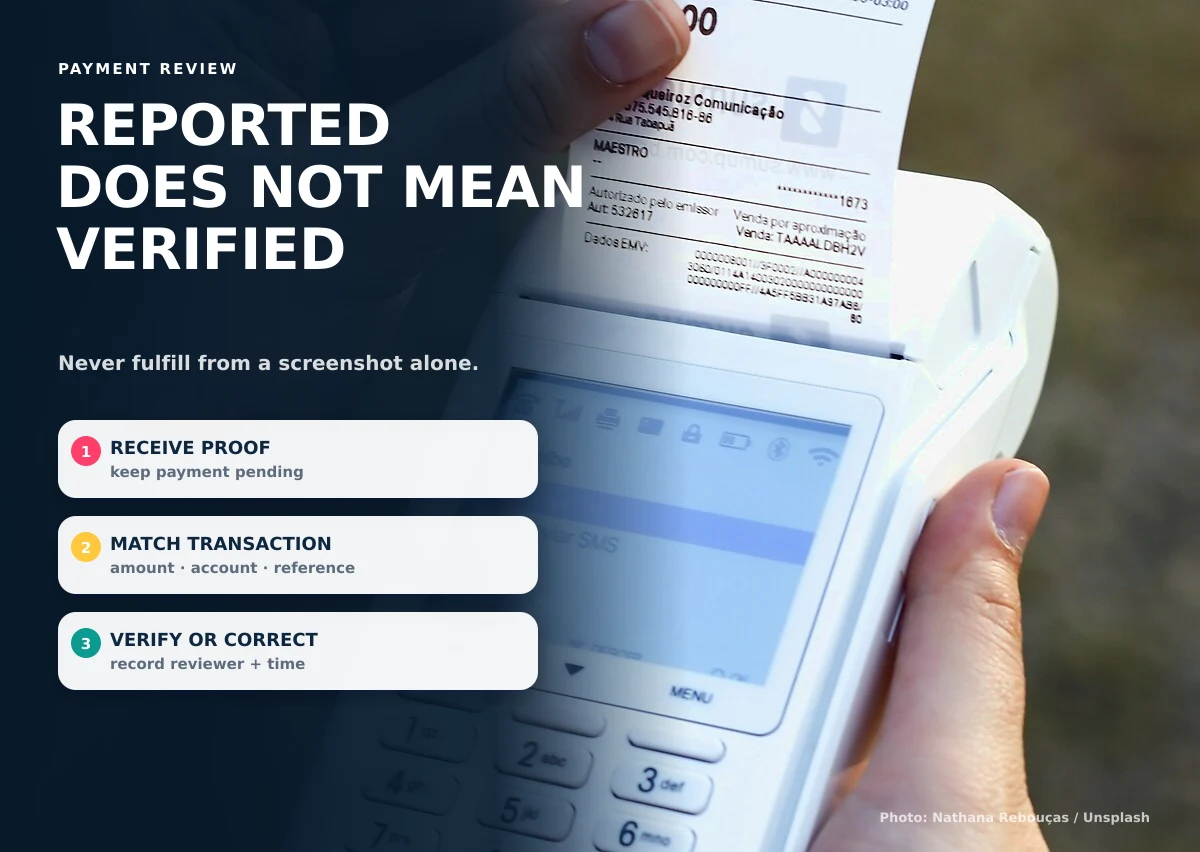
1. Receive the proof as a pending record
Capture the customer, related order or account, reported amount, payment date, method, reference, and attachment. Do not immediately change the order to paid.
2. Match the proof to the correct obligation
Confirm that the customer, order number, account, amount, and expected payment schedule agree. If several invoices or balances exist, identify exactly where the payment should be applied.
3. Check the actual transaction
An authorized reviewer should confirm the transaction using the business’s approved banking or payment records. A visual screenshot alone may be incomplete, altered, duplicated, or connected to a different transfer.
4. Resolve mismatches without rewriting history
If the amount, reference, account, or transaction cannot be matched, retain the original submission and mark it as needing clarification. Request the missing or corrected information and record the conversation.
5. Mark verified with reviewer and time
A verified state should record who completed the review and when. Only then should dependent actions such as fulfillment, receipt issuance, balance updates, or booking confirmation continue.
Keep sensitive payment information out of ordinary forms
Do not request passwords, one-time codes, MPINs, or complete payment-card details. Businesses accepting payment cards should use an appropriate payment provider and understand relevant security requirements. The PCI Security Standards Council publishes a safe-payments guide for small merchants.
Recommended payment states
| State | Meaning |
|---|---|
| Not reported | No payment information received |
| Reported | Customer submitted details |
| Needs clarification | Information does not match or is incomplete |
| Verified | Authorized reviewer confirmed transaction |
| Applied | Verified amount assigned to the correct order or balance |
| Refunded or reversed | Later financial action recorded separately |
Write an exception policy before automating the decision. It should cover partial payments, combined payments, duplicate submissions, overpayments, incorrect accounts, missing references, refunds, chargebacks, and transactions that appear after a delay. Staff should know whether to hold the related order, ask for more information, escalate to a finance reviewer, or apply an approved adjustment. The system can then guide the right path without inventing financial rules.
Use a small verification queue that shows the oldest pending items, related order or account, reported amount, expected amount, payment method, and assigned reviewer. Useful controls include duplicate-reference warnings and a required reason for rejection or correction. Avoid storing sensitive payment credentials in screenshots, notes, or general file uploads, and keep access to submitted proof limited to people who perform the review.
Reviewers should work from the business’s official transaction source, not from a forwarded message. If a payment cannot be confirmed, the record should remain unresolved and show the next action. Report pending age, mismatch reasons, duplicate references, and average review time so managers can improve the process without pressuring staff to approve uncertain transactions.
A payment proof verification workflow can be included in an order management system, booking workflow, or member portal.
To organize payment review around your current process, discuss the workflow with Causing Designs.