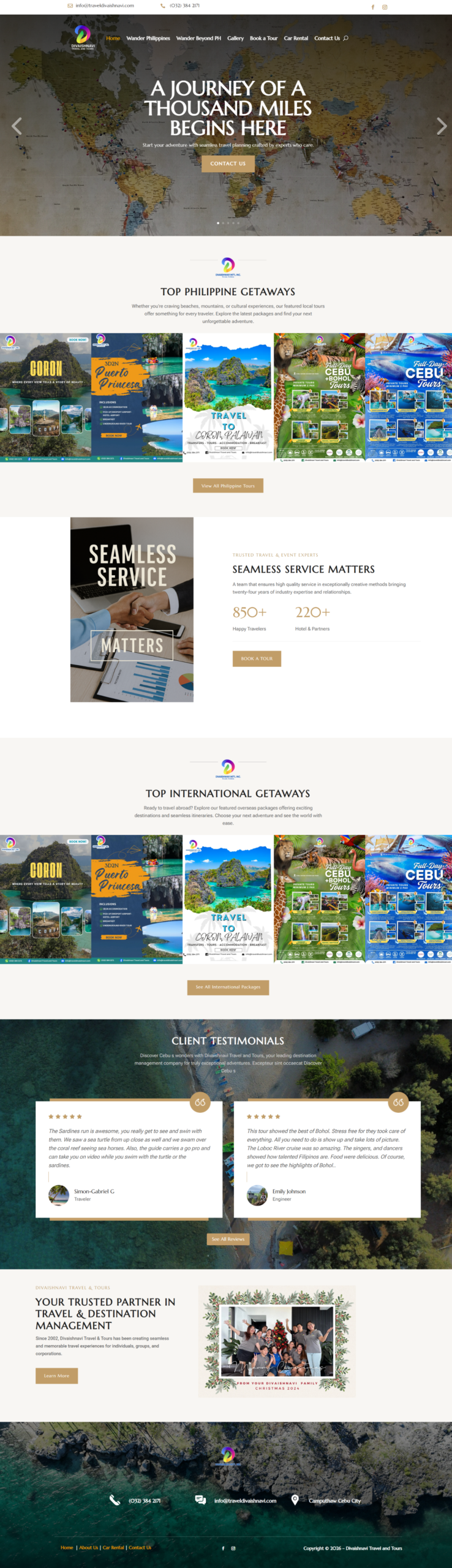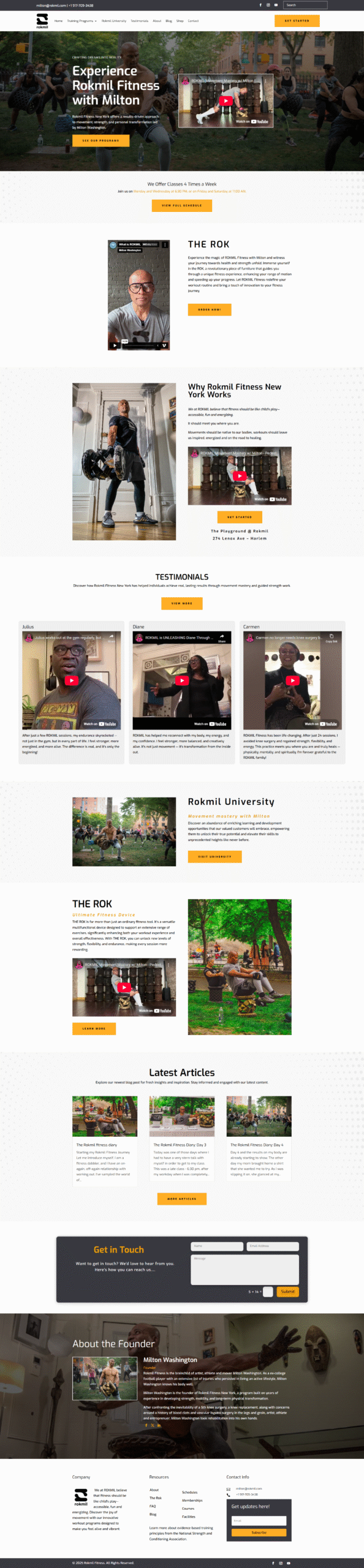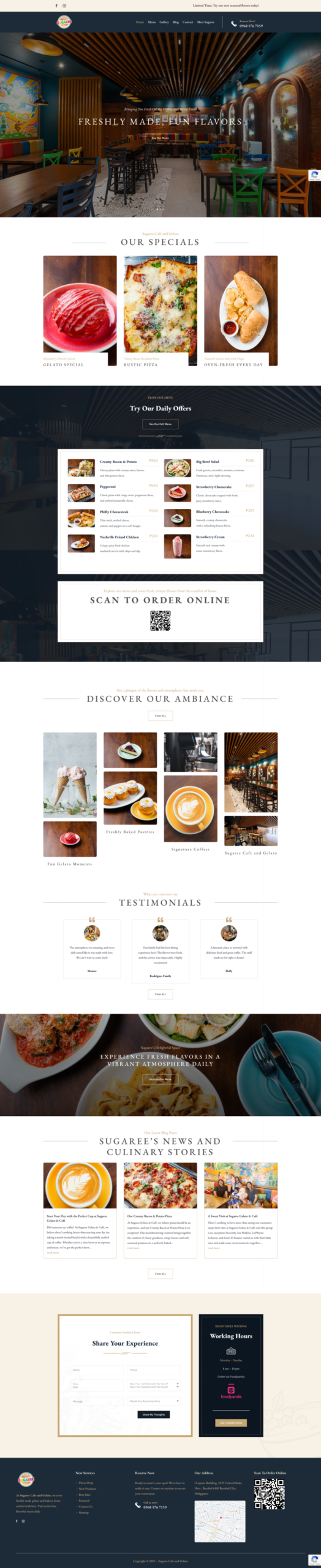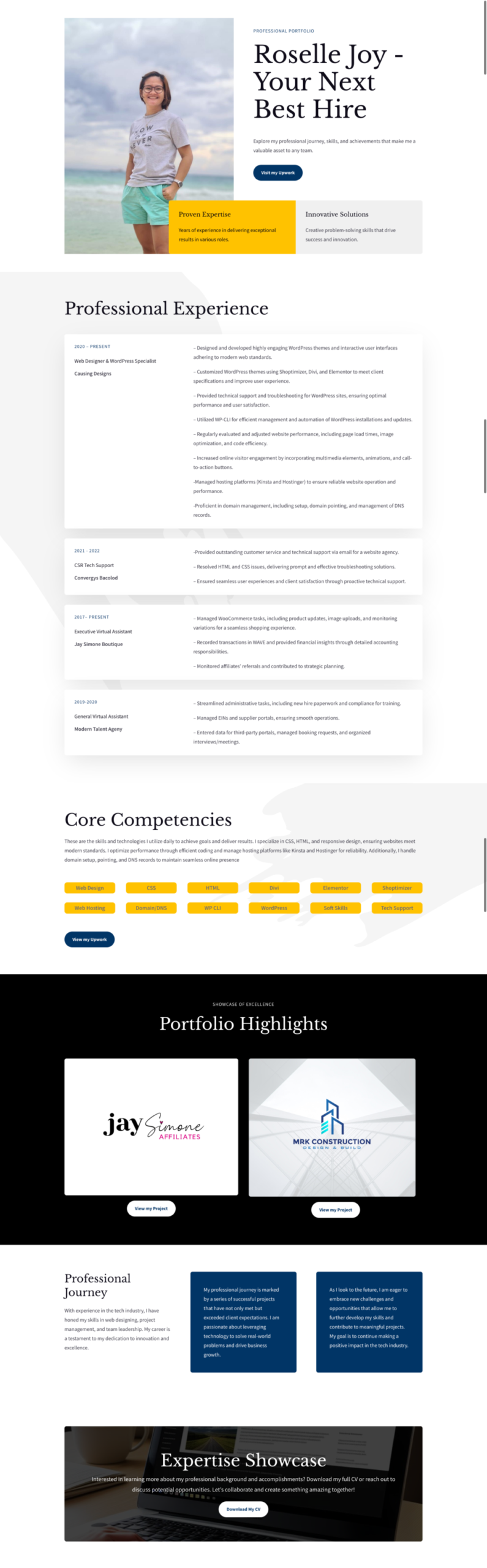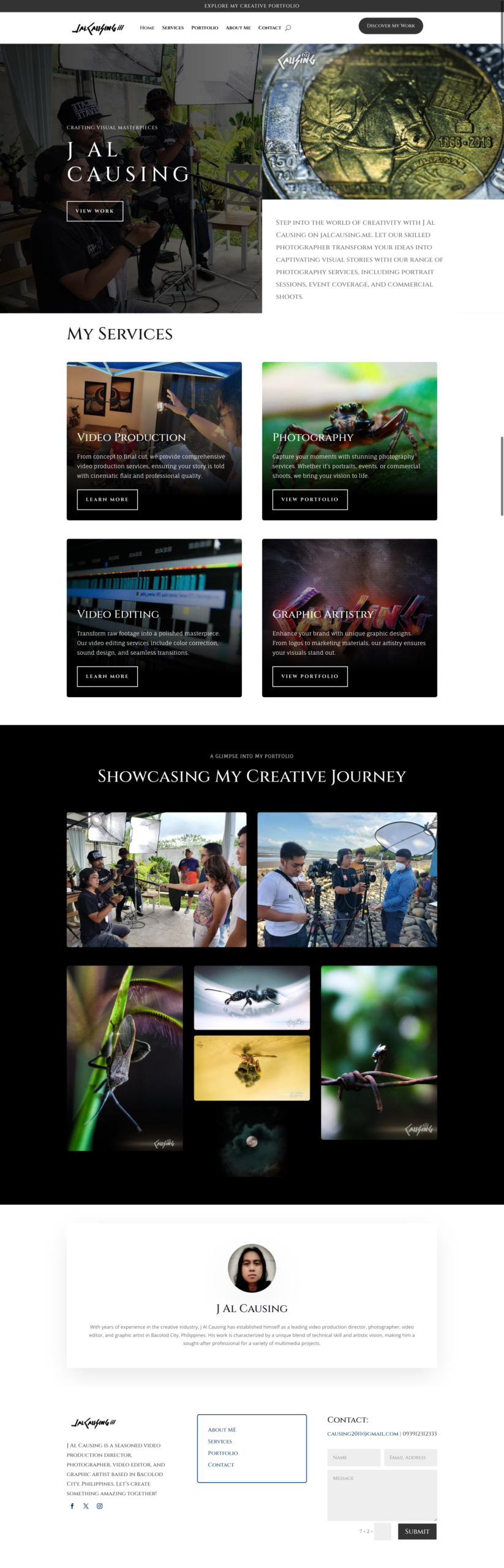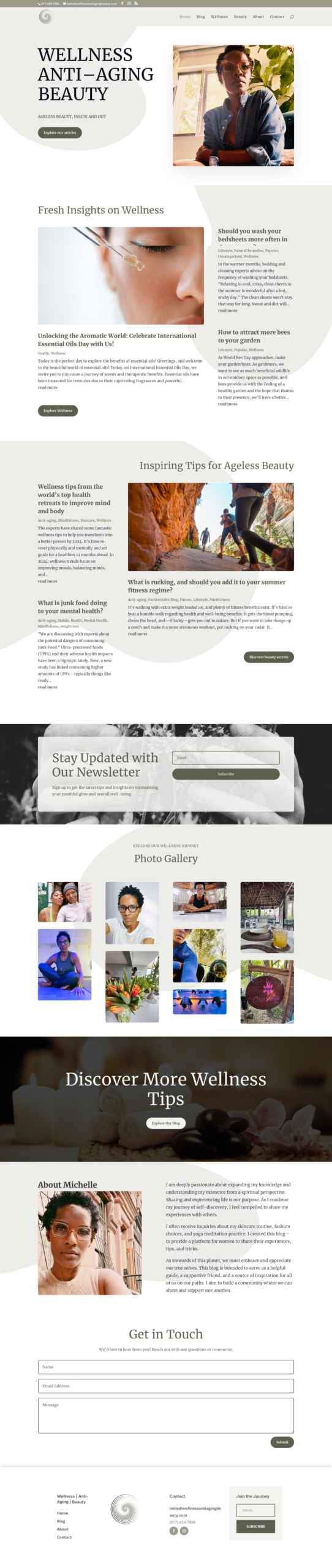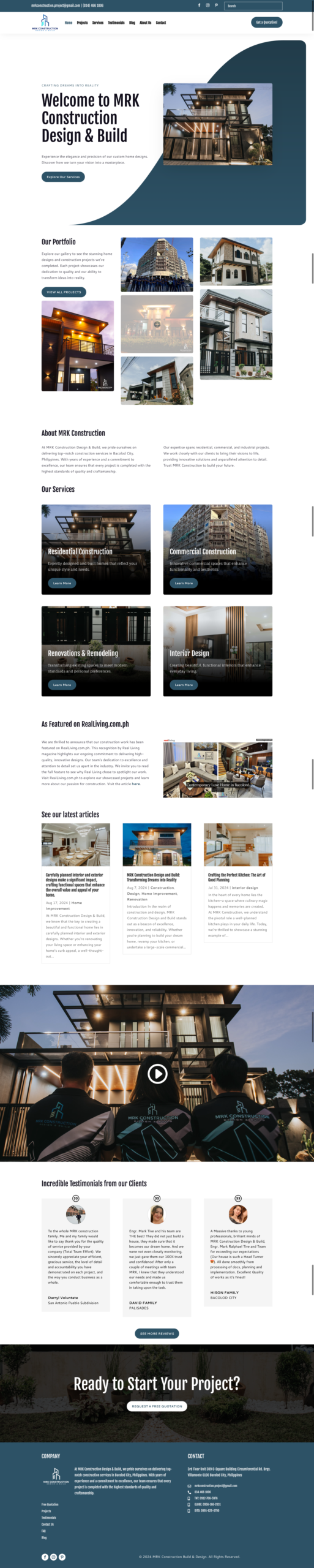
Professional photography is most valuable when customers need to see the real people, place, product, or process behind a business.
Original images create specific proof
Customers can learn what the location looks like, who they may work with, how a product is made, or what a completed project involves. Stock photos can support an idea, but they cannot document your actual business.
Prioritize the pages closest to a decision
Plan images for the homepage, main services, About page, team, location, products, and case studies. Start with the pages that prospective customers review before they contact or buy.
Create a shot list from the website structure
For each page, note the required subject, orientation, available space, and message. Include wide compositions for banners, horizontal and vertical options, details, people at work, and simple backgrounds for flexible crops.
Prepare people and locations
Schedule the session around real activity, obtain necessary permissions, prepare the space, and decide how clothing and props should represent the brand. Authentic does not have to mean unplanned.
Use stock images selectively
Stock can work for abstract concepts or supporting sections that cannot be photographed responsibly. Avoid images that imply a person, facility, or result belongs to the business when it does not.
Optimize every image for the web
Export appropriate dimensions, compress files, use modern formats where supported, and avoid loading a full-resolution photograph into a small card. Provide meaningful alternative text when the image communicates information.
Keep visual style consistent
Lighting, color, framing, and editing should feel related across the site. A smaller set of strong, consistent images usually looks more credible than a large collection of mismatched visuals.
Plan for future reuse
Discuss usage rights and keep organized originals. A well-planned library can also support social posts, proposals, recruitment, and print materials.
Photography works best within a clear system. See our guide to website color schemes and the conversion-focused design guide.