A customer portal vs staff dashboard comparison begins with one principle: the two experiences may share records, but they should not expose the same information or actions.
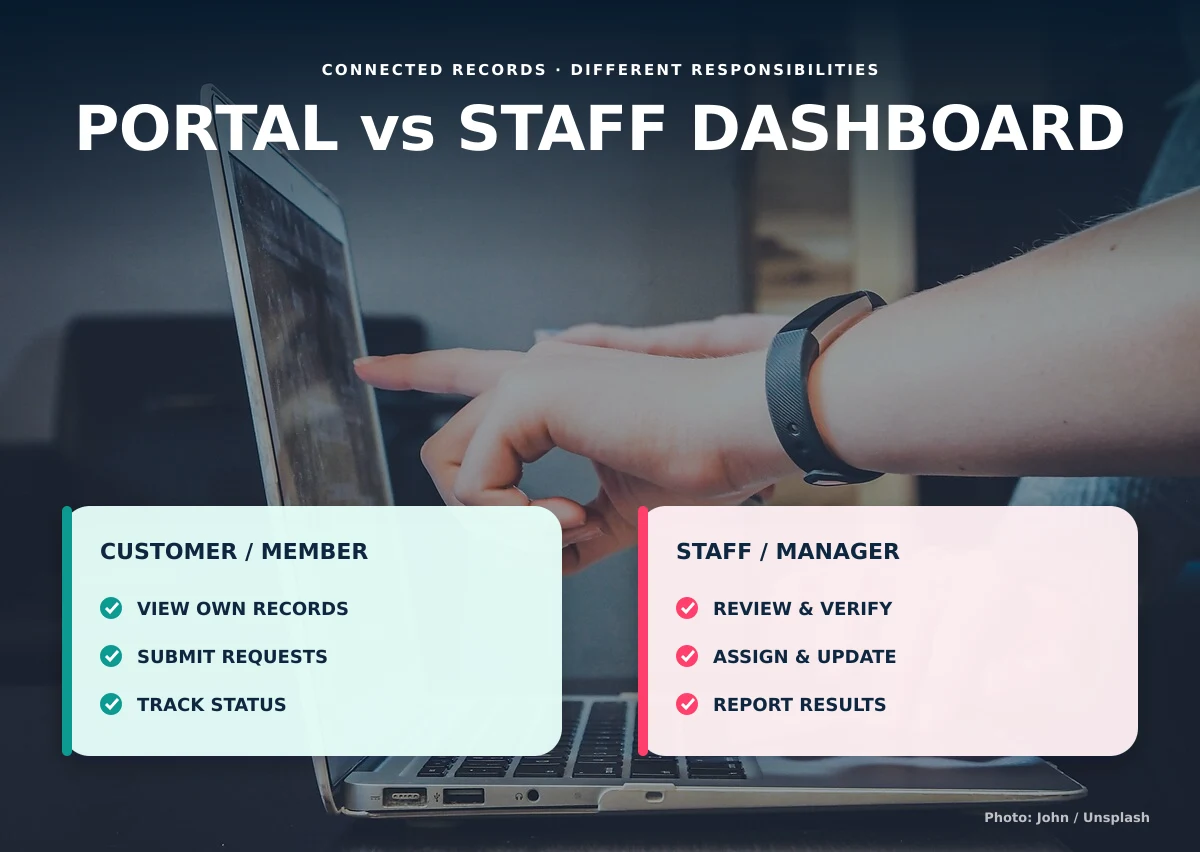
Customers need a simple view of their own requests, balances, documents, or updates. Staff and managers need tools to review work, verify information, assign responsibility, and report across many records.
What belongs in a customer or member portal?
A portal should make routine service easier without exposing internal notes or other customers’ data. Show only the information connected to the signed-in account and the actions the user is allowed to perform.
- View personal or property records
- Submit a request, order, application, or payment proof
- Upload required documents
- Track an appropriate status
- Read announcements, instructions, or notices
- Update permitted contact information
What belongs in a staff dashboard?
The staff dashboard supports operational work. It should organize assigned records, review queues, next actions, exceptions, and communication history. Different staff roles may require different dashboards.
- Review and validate submitted information
- Assign an owner or team
- Change authorized statuses
- Record notes and follow-up dates
- Verify payments or documents
- View operational reports
What belongs only with managers?
Management access may include configuration, organization-wide reporting, role administration, approvals, and sensitive exceptions. Manager access should not automatically mean unrestricted access to every technical or personal record.
Use one source of truth with different views
A separate portal and dashboard should not create separate versions of the same balance, request, or order. Both experiences should read from the same underlying record while applying different display and permission rules.
Plan permissions before interface design
List each role, record type, and allowed action before choosing screens. Philippine organizations processing personal information should also understand their responsibilities under the Data Privacy Act of 2012.
A practical responsibility split
| Activity | Portal user | Staff | Manager |
|---|---|---|---|
| View own record | Yes | When assigned or authorized | When required |
| Submit information | Yes | May assist | Usually no |
| Verify information | No | Authorized reviewer | May approve exceptions |
| See internal notes | No | When authorized | When required |
| Run organization reports | No | Limited | Authorized |
Design both sides around tasks, not a collection of identical menu items. A customer may need a large “submit payment proof” action and a short balance summary. A reviewer may need a queue ordered by submission date, a side-by-side comparison, and a clear verify or request-correction decision. The same payment record supports both experiences, but the interface should match the user’s responsibility.
Test common edge cases before launch: one person connected to several accounts, an employee who works across branches, a manager who temporarily covers another team, and a former user whose access must end. Also decide which notifications are useful. Customers may need confirmation and meaningful status changes, while staff need assignments, overdue actions, and exceptions. Sending every internal change to everyone usually creates noise instead of transparency.
Write a short acceptance checklist for each role. Confirm the records the person can find, the actions they can complete, the information they cannot access, and the result of signing in on a phone. This turns permission and usability decisions into testable requirements.
Causing Designs builds connected portals and dashboards around real responsibilities rather than giving every user the same interface.
If you are deciding between a customer portal vs staff dashboard, discuss the users and records with us.